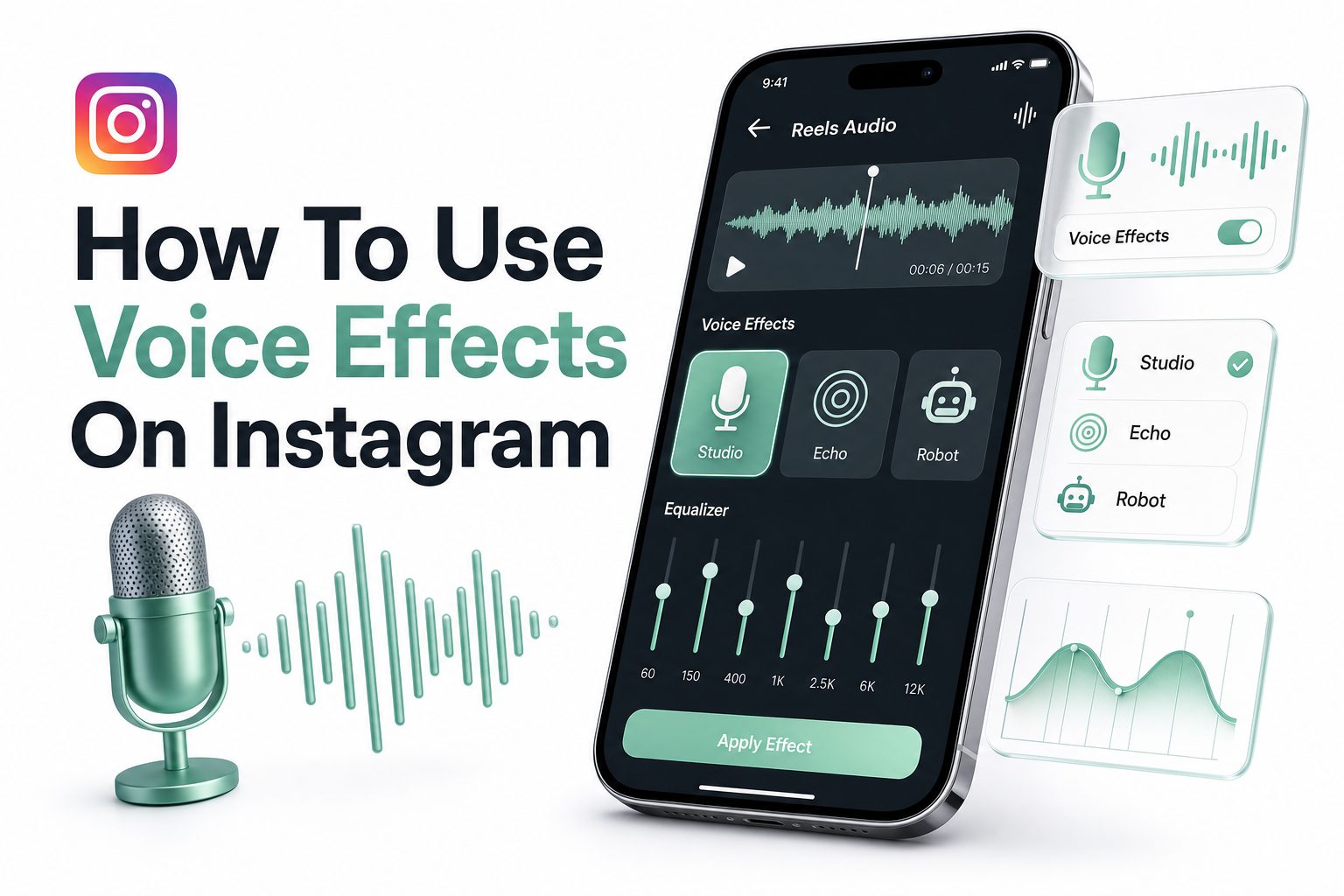
If your Reels sound flat, rushed, or too similar to everyone else’s, voice effects can give them a sharper personality in seconds. A simple pitch change, robot tone, echo, or narrated voiceover can turn a basic clip into something funnier, clearer, or more memorable for viewers.
Many creators search for how to use voice effects on instagram because the feature is not always obvious inside the editing screen. Instagram often moves audio tools, renames buttons, or rolls features out differently across accounts, which makes the process feel more confusing than it should be.
The good news is that voice effects are easy once you know where to look and how to use them with purpose. This article explains the practical steps, creative use cases, common problems, and smart editing choices that help your Reels sound cleaner and more engaging.
What Instagram Voice Effects Actually Do
Instagram voice effects change the way spoken audio sounds inside a Reel or Story. Instead of using your normal recorded voice, you can apply a playful, dramatic, robotic, high-pitched, or deeper tone depending on the options available in your app.
These effects are most useful when your video relies on narration, reactions, jokes, tutorials, skits, product demos, or character-based content. They help separate your voice from background music and give viewers another reason to keep watching beyond the visuals.
Where Voice Effects Appear in Instagram
Voice effects usually appear inside the Reels editing area after you record or upload a clip. Depending on your app version, they may be under the audio, music, voiceover, or mixer controls rather than on the first recording screen.
Some accounts also see text-to-speech, voiceover tools, audio mixing, and sound effects in nearby menus. Since Instagram tests features often, the exact button name can vary, but the workflow remains similar: create the Reel, open audio controls, then apply the effect.
Quick reasons creators use voice effects:
- To make narration sound more entertaining
- To hide nervous or uneven speaking tones
- To create a character voice for skits
- To make tutorials feel more energetic
- To add humor without extra filming
- To separate voiceover from background music
- To create a recognizable audio style
How to Add Voice Effects to Instagram Reels
Start by opening Instagram and tapping the plus icon to create a Reel. Record a new video or choose one from your gallery, then move to the editing screen where Instagram shows tools for music, text, stickers, captions, and audio.
Next, tap the audio or music icon and look for options such as voiceover, voice effects, or audio controls. Record your voiceover if needed, select an available effect, preview the sound, then adjust the volume before sharing or saving the Reel as a draft.
Using Voiceover Before Applying an Effect
Voice effects work best when your spoken audio is clear before the effect is added. Record in a quiet room, keep the phone close enough to capture your voice, and avoid speaking over loud background sounds that compete with the effect.
If your Reel already has original video audio, music, and a voiceover, use the audio mixer to balance everything. Lower background music enough for the voice to stay readable, especially if your content includes instructions, pricing, names, or important context.
Voice Effects Setup Checklist
- Update Instagram through the App Store or Google Play
- Record or upload your Reel before looking for effects
- Open the audio, music, mixer, or voiceover menu
- Record a clear voiceover when needed
- Test several effects before choosing one
- Adjust music and original audio volume
- Preview the full Reel with sound on
- Save a draft before publishing important content
How to Use Text-to-Speech With Voice Effects
Text-to-speech is different from a standard voice effect because Instagram reads typed text aloud using a synthetic voice. Add text to your Reel, tap the text bubble or related menu, then choose the text-to-speech option if it appears for your account.
This feature works well for captions, jokes, list-style videos, mini tutorials, and videos where you do not want to record your own voice. Keep the text short, natural, and timed correctly so viewers can read and hear it without feeling rushed.
Best Uses for Text-to-Speech
Text-to-speech is strongest when the delivery is intentionally simple. For example, a recipe creator might use it to announce each step, while a fashion creator might use it to label outfit changes without speaking on camera.
It can also help when you want consistent narration across multiple posts. Still, avoid making every Reel sound identical, because viewers may tune out repeated robotic narration if the idea, pacing, or visual payoff is not strong enough.
Best Voice Effects for Different Reel Styles
Comedy Reels often benefit from high-pitched, robot, or exaggerated voice effects because the altered sound supports the joke. Reaction videos, awkward moments, pet clips, and short skits can feel more memorable when the audio choice matches the punchline.
For tutorials, product demos, and educational content, use effects more carefully. A subtle voiceover or clean narration usually performs better than a heavy filter because viewers need to understand the message quickly. Clarity matters more than novelty when teaching something useful.
Comparison Table
Content Type | Best Voice Style | Why It Works
Funny skits | High pitch or robot | Adds personality and exaggerates the joke
Tutorials | Clear voiceover | Keeps instructions easy to follow
Product demos | Natural or light effect | Builds trust while adding polish
Storytime Reels | Warm narration | Makes the post feel personal
Reaction clips | Dramatic or echo effect | Highlights emotion and timing
Trend videos | Trend-matched audio | Helps the Reel feel current
Common Reasons Voice Effects Are Missing
If you cannot find voice effects, your Instagram app may be outdated. Features tied to Reels audio often require the latest version, so updating the app is the first practical step before changing account settings or reinstalling anything.
Voice effects may also be unavailable because of region, account type, device compatibility, or a temporary rollout test. Instagram features do not always appear for every user at the same time, even when two accounts are using the same phone.
What to Try When the Feature Does Not Show
Close and reopen Instagram, update the app, switch from Wi-Fi to mobile data, and check whether the tool appears in a new Reel. You can also try creating the Reel from a different account to see whether the issue is account-specific.
If voice effects still do not appear, use Instagram’s voiceover, text-to-speech, or an external editing app as a workaround. You can edit the audio elsewhere, export the finished video, then upload it to Instagram without relying on the native effect menu.
How to Make Voice Effects Sound More Professional
A voice effect cannot fix poor recording quality. Before adding any effect, record in a quiet space, reduce echo, speak clearly, and keep your microphone steady. Even a basic phone recording can sound good if the source audio is clean.
After applying the effect, listen with headphones and phone speakers. Many viewers watch Reels on small speakers, so your voice needs to remain clear at low volume. If the effect makes words hard to hear, choose a lighter option.
Practical audio tips:
- Record away from fans, traffic, and room echo
- Keep your script short and conversational
- Leave small pauses between important lines
- Lower music when narration begins
- Avoid stacking too many audio effects
- Preview before posting, not after publishing
- Use captions for important spoken points
Creative Ways to Use Voice Effects on Instagram
Voice effects can become part of your content identity if you use them consistently. A creator who posts office humor might use a robot voice for “the boss,” while a food creator might use a dramatic narrator voice for taste tests.
They also work well for before-and-after content. For example, use a normal voice at the start of a makeover Reel, then switch to a more dramatic sound for the reveal. The contrast gives the edit a stronger sense of timing.
Examples for Small Businesses and Creators
A skincare brand can use a clean voiceover for product steps, then a playful effect for customer reactions. This keeps the educational part trustworthy while giving the Reel enough personality to avoid sounding like a plain advertisement.
A coach, consultant, or educator can use subtle voice effects for quick myths, mistakes, or “what not to do” clips. For more content planning ideas, see [Internal Link: Instagram Content Strategy] to connect your audio choices with a stronger posting plan.
Using Captions With Voice Effects
Captions are important because many people watch Instagram without sound at first. If your Reel depends on a voice effect, captions help viewers understand the message before they decide whether to turn audio on.
Keep captions short and timed to the spoken words. Avoid filling the screen with long sentences, especially if the video already includes faces, products, or movement. Good captions support the voice effect without distracting from the main action.
Accessibility and Clarity
Voice effects can make content more entertaining, but they should not make it harder to follow. If the altered voice distorts words, captions become even more important for accessibility, comprehension, and viewer retention.
This is especially true for tutorials, health topics, finance tips, recipes, and product instructions. In those cases, the voice effect should support the message, not compete with it. Clear audio builds trust faster than a clever sound choice.
Key benefits of adding captions:
- Helps viewers follow along with sound off
- Improves clarity when effects distort words
- Supports viewers in noisy environments
- Makes tutorials easier to save and replay
- Gives the Reel more visual structure
- Can improve watch time when timed well
Voice Effects for Reels Versus Stories
Reels are built for reach, repeat viewing, and sharing, so voice effects should be chosen with retention in mind. The first few seconds matter most, and a strong audio hook can help viewers stay long enough to understand the idea.
Stories are more casual and temporary, so voice effects can feel looser and more personal. Use them for quick reactions, behind-the-scenes clips, polls, and daily updates where personality matters more than perfect production quality.
When to Keep Your Natural Voice
Not every post needs an effect. If you are sharing a personal story, client testimonial, serious announcement, or expert advice, your natural voice may feel more credible and human than a filtered version.
A good rule is simple: use voice effects when they improve the viewer’s experience. If they only make the Reel louder, busier, or harder to understand, skip them and focus on clean narration, strong pacing, and useful visual details.
Mistakes to Avoid With Instagram Voice Effects
The biggest mistake is using an effect just because it is available. A funny voice on a serious tutorial can weaken trust, while a dramatic effect on a simple product demo can make the post feel less natural.
Another common mistake is ignoring volume balance. If music, original video audio, and voiceover all sit at the same level, viewers may struggle to understand anything. Always preview the Reel from start to finish before posting.
Overediting the Audio
Too many audio layers can make a Reel feel messy. Voice effects, trending music, sound effects, original audio, and captions all compete for attention, so each element needs a clear reason to be there.
Keep the final version focused. If the voice effect carries the joke, lower the music. If the music carries the trend, keep the voice short. Strong Reels usually feel intentional, even when they look casual.
Important facts before posting:
- Voice effects may vary by account and region
- Some tools are available only in the mobile app
- App updates can move audio controls to new menus
- Clear source audio produces better effects
- Captions help when altered voices are harder to hear
- Drafts let you test audio before publishing
- External editors can fill gaps when native tools are missing
How Voice Effects Can Improve Engagement
Sound plays a major role in whether people watch, replay, or share short videos. A well-chosen voice effect can create a stronger hook, especially when it appears in the opening seconds and matches the visual moment.
Voice effects can also make your content easier to recognize over time. If viewers associate a certain voice style with your skits, reviews, or tutorials, the audio becomes part of your brand memory alongside colors, captions, and editing pace.
Matching Effects to Audience Intent
Think about why someone is watching before choosing an effect. A viewer looking for a quick recipe wants clarity, while someone watching a parody expects exaggeration. The better your audio matches intent, the less friction the viewer feels.
For creator growth, voice effects should support a repeatable content format. Pair them with strong hooks, clean captions, and relevant topics. You can also review [Internal Link: Instagram Reels Optimization] for more ways to improve performance beyond audio.
Conclusion
Voice effects are a simple way to give Instagram content more character, but they work best when the basics are already strong. Clear recording, balanced volume, readable captions, and smart timing matter more than choosing the loudest or funniest sound.
If the feature does not appear in your app, update Instagram, check the audio menus, test a new Reel, or use voiceover and text-to-speech as alternatives. Since Instagram changes tools often, flexibility is part of creating content that still looks and sounds polished.
The best results come from matching the effect to the purpose of the post. Use playful sounds for humor, clean narration for teaching, and subtle edits for brand content. Once you know how to use voice effects on instagram, you can make Reels feel more distinctive without overcomplicating your editing process.
FAQ
Can I use voice effects on old Instagram videos?
Yes, you can upload an old video from your gallery into Reels and apply available audio tools during editing. If the voice effect option does not appear, add a new voiceover or edit the audio before uploading.
Why are Instagram voice effects not showing?
Voice effects may be missing because your app is outdated, the feature is not available for your account, or Instagram is testing different layouts. Update the app, restart it, and check the Reels audio or voiceover menus.
Do voice effects work with music?
Yes, voice effects can be used with music, but volume balance is important. Lower the music when narration starts so viewers can hear the altered voice clearly without struggling to understand the words.
Can I remove a voice effect before posting?
Usually, yes. Before publishing, return to the audio or voiceover editing area and change or remove the effect. Saving a draft first is useful because you can review the Reel before making the final post.
Are Instagram voice effects good for business Reels?
They can be useful when used carefully. Light effects can make product demos, reactions, and casual brand content more engaging, but serious announcements, expert advice, and testimonials often work better with a natural voice.
0 Comments